Results
Results display panel
Choose what the viewport shows after a run.
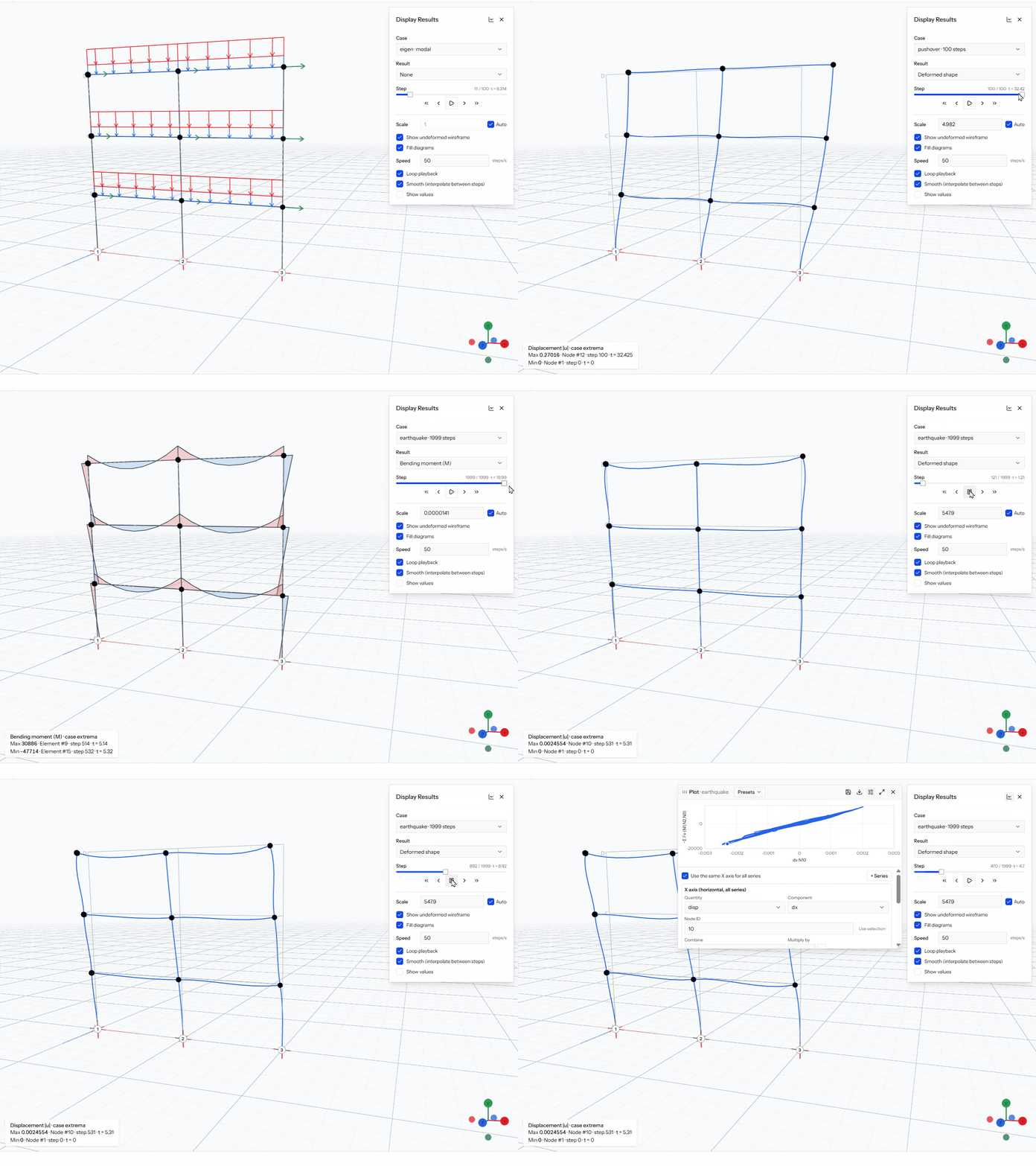
After a run, the Display Results panel opens over the viewport. Its header has a plot button and a close button.
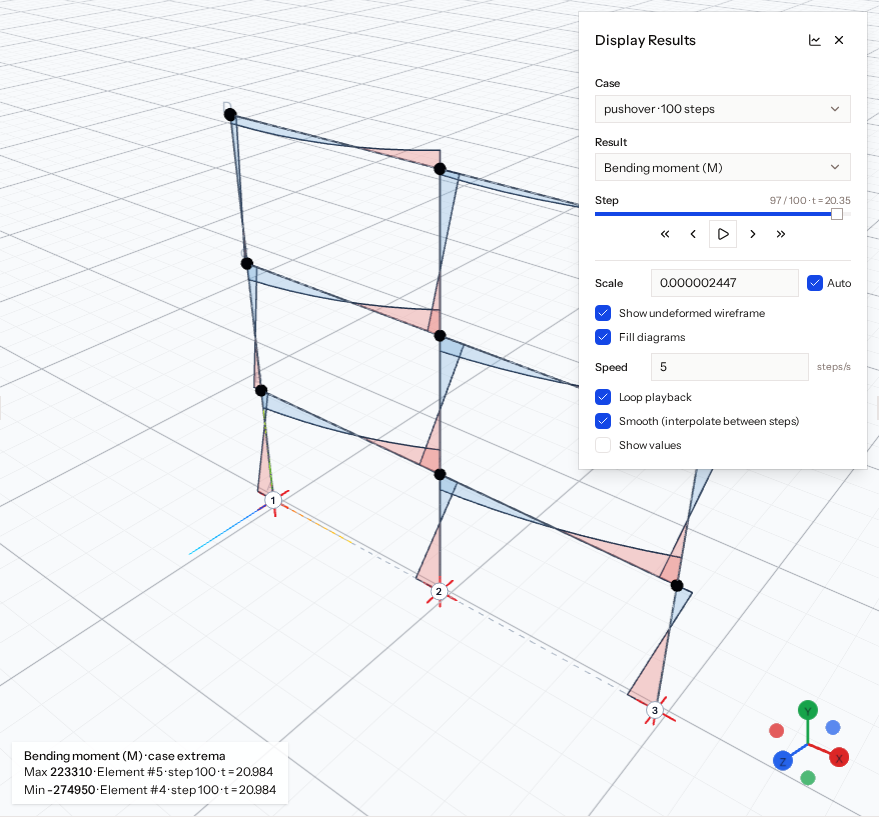
The panel contains:
| Control | Meaning |
|---|---|
| Case | The analysis stage to show |
| Result | None, Deformed shape, Axial force, Shear, Torsion (3D), Bending moment, Shell stress resultants (3D, shells only) or Mode shape (modal cases) |
| Scale | Per result type, with an Auto checkbox |
| Show undeformed wireframe | Draws the original shape behind the deformed one |
| Fill diagrams | Fills force diagrams |
| Show values | Labels diagram values |
Diagram types apply to non-modal cases. In 3D, shear is shown as Vy and Vz, and moment as Mz and My, in the beam's local axes.
Playback controls are described in Step playback.