Building a model
Load patterns and loads
Plain and UniformExcitation patterns, nodal, element and shell loads.
A load pattern groups loads under a time series. Nodal and beam loads appear in the viewport as arrows, as in the frame below.
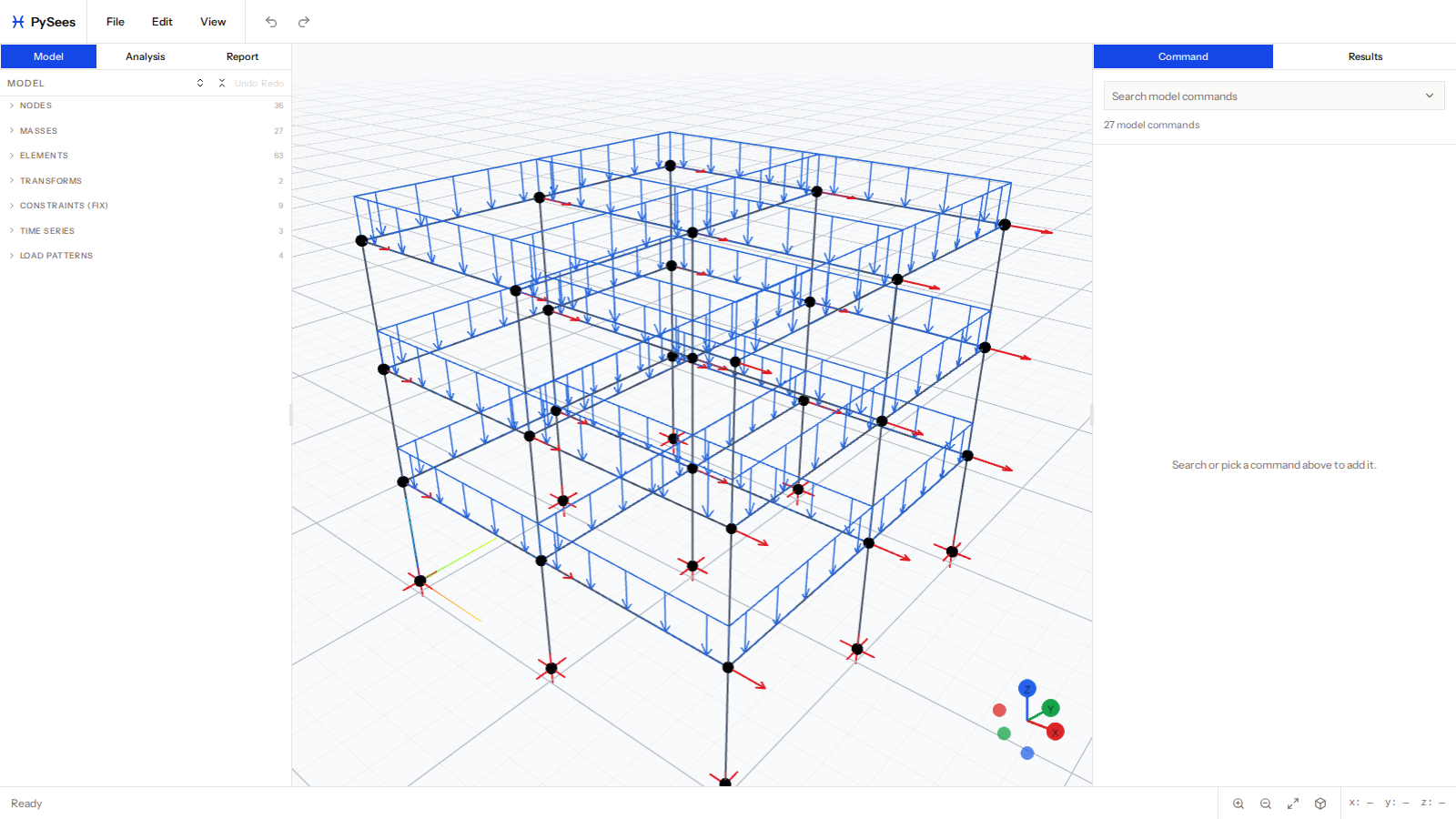
Patterns are in the Load Patterns group, and each row shows the pattern's name, type, ID and load count. A pattern can have an optional unique Name.
Pattern types
| Type | Use | Carapace |
|---|---|---|
| Plain | Gravity, pushover and other applied loads | Supported |
| UniformExcitation | Ground motion in one direction | Supported |
| MultipleSupport | Support-by-support excitation | Error |
Loads inside a pattern
- Nodal loads are edited in a table (
LoadsTable): one row per node with a value per DOF. - sp imposes a displacement on a DOF.
- eleLoad applies loads to elements:
- Beam uniform load
wx,wy,wzin the beam's local axes (wzis ignored in 2D). - Shell pressure, acting along the shell normal.
- Shell self-weight, as body accelerations
bx,by,bz.
- Beam uniform load
A Plain pattern can name an existing time series or use one defined inline.
Showing loads
Use View > Nodal Loads, Element Loads and Load Values, and the Load Patterns submenu to hide individual patterns. Applied loads are hidden while results are shown.